In this tutorial, we’ll show you how we created the Dream Concept Villa animation using Project Dream. We’ll walk you through how we prepared the base model and used features like Viewport to Image, Instruct Image, and Animate, then upscaled the final results.
Scene Setup
Before touching any AI feature, we started with 3d modeling. For this we used Blender (though any 3D software would do) mostly focusing on blocking out the composition and applying basic textures.
At this stage, perfection isn’t the goa. The idea is to establish the scene’s structure: camera angles, balance, and the overall flow. The geometry is kept intentionally light, just enough to define scale, perspective, and spatial hierarchy, nothing more.
We used basic modeling and assets to sketch out the space until the scene felt right. No complex materials, no polished lighting, just simple textures to guide what Project Dream would later interpret.
Viewport to Image
Once we were ready with the model, we used Project Dream’s Grab Viewport feature and selected a reference mood from the Late Afternoon category in the built-in image gallery to define the scene’s mood.
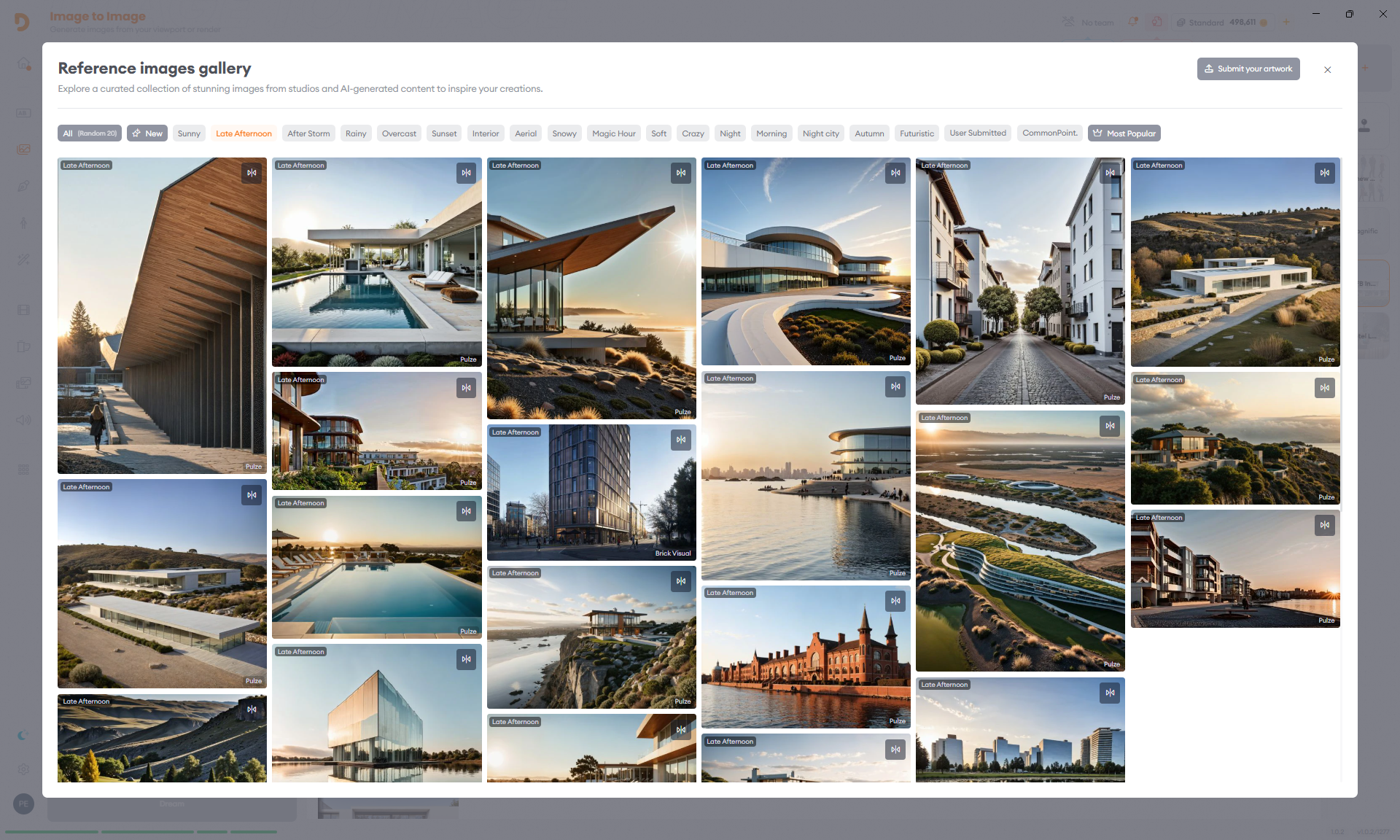
We used our own ClearVision model with a medium preset and the following prompt: ”A modern house with a concrete facade, surrounded by desert landscaping, including cacti and shrubs, featuring a welcoming entrance and a minimalist design. Daytime, clear skies, warm weather, spring or summer season, no precipitation.”
Instruct Image
Sometimes you get almost the perfect image that just need a little tweak. Maybe move a chair, adjust a reflection, or add a small prop.
Instead of regenerating the entire scene over and over again waiting for the desired results we used the Instruct Image feature of Project Dream. Using models like Google Nano Banana we made precise, localized edits while preserving the original mood and lighting.
Project Dream also connects directly to Photoshop, giving us full control over the refinement. We used the brush selection tool inside Photoshop to mark the area where we wanted to apply the changes and let Project Dream handle the rest.
In this example we used the Instruct Image feature with Google Nano Banana and used the prompt: “Add a vase with flowers on the table”. This workflow allowed us to keep most of the original image and refine some specific details without going back to 3D.
From Image to Video
Once the stills were ready, the next step was to add motion. Project Dream offers 30+ third-party video models in one place, each with its own strengths. Some models excel at subtle ambient motion and realism, while others lean toward stylized, energetic movement. For this project, we tested several options to find the right balance of speed, stability, and control.
If you want to see how these models behave in different scenarios check out our AI Video Model Comparison article here.
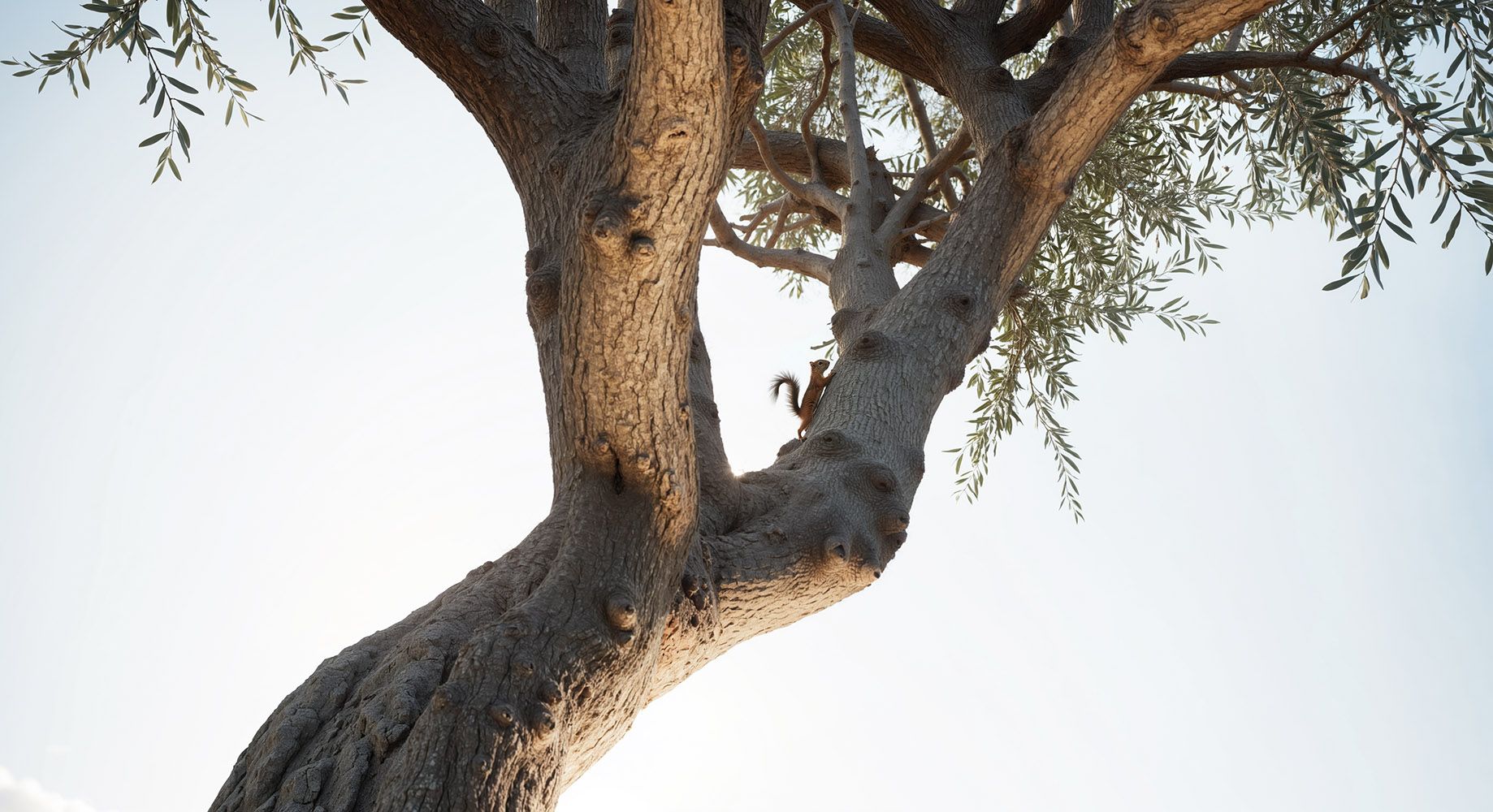
One of our favourite scenes is this squirrel shot, generated entirely from a single still frame. It’s a perfect showcase of how subtle motion, light, wind, and tiny organic details can make a static render feel truly alive. No key frames. No simulations. Just pure generative movement.
We used Seedance with the prompt: “camera slowly pans around the tree. A squirrel is climing up the branch”
Upscaling
Once all the animations were in place, the last step was giving everything that final cinematic polish with crisp detail, smooth motion, and a cohesive look across shots.
Even though AI delivers impressive quality straight out of the box, it still requires a little retouch, with a combination of Runway and Topaz for this.
We upscaled each shot with Runway to a higher resolution, which also enhanced details like gravel, foliage, and concrete. To make the motion feel even more fluid, we added frame interpolation with Topaz.
Conclusion
This workflow isn’t meant to replace traditional rendering. The strength of this approach and is that you can move from a static idea to a cinematic sequence in hours rather than days. It’s perfect for drafting storyboards, mood edits, or early design proposals that help bring your vision to life before production even begins.
With the Dream Concept Villa, we wanted to see what current state-of-the-art models were really capable of. Through the process, we found proof of their biggest strength: helping artists communicate ideas faster, clearer, and more intuitively than ever before.
Start Now